Play as Your Muse: Your Muse Is Now a Loop Chomp Character
News from the dev · October 2026
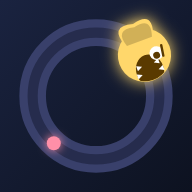
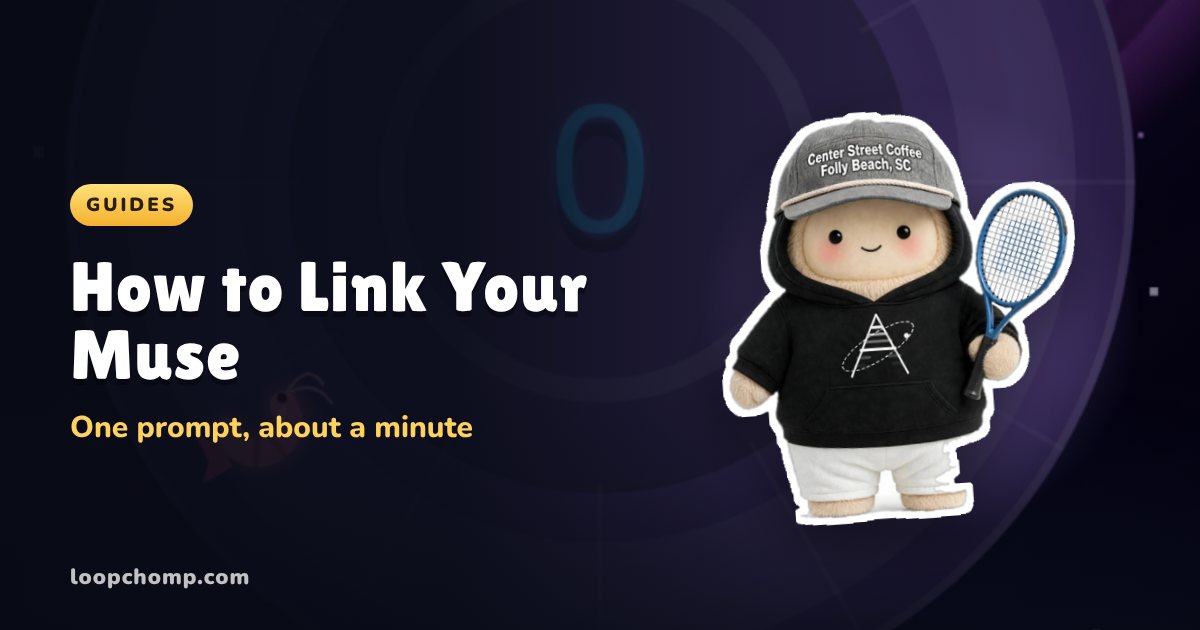
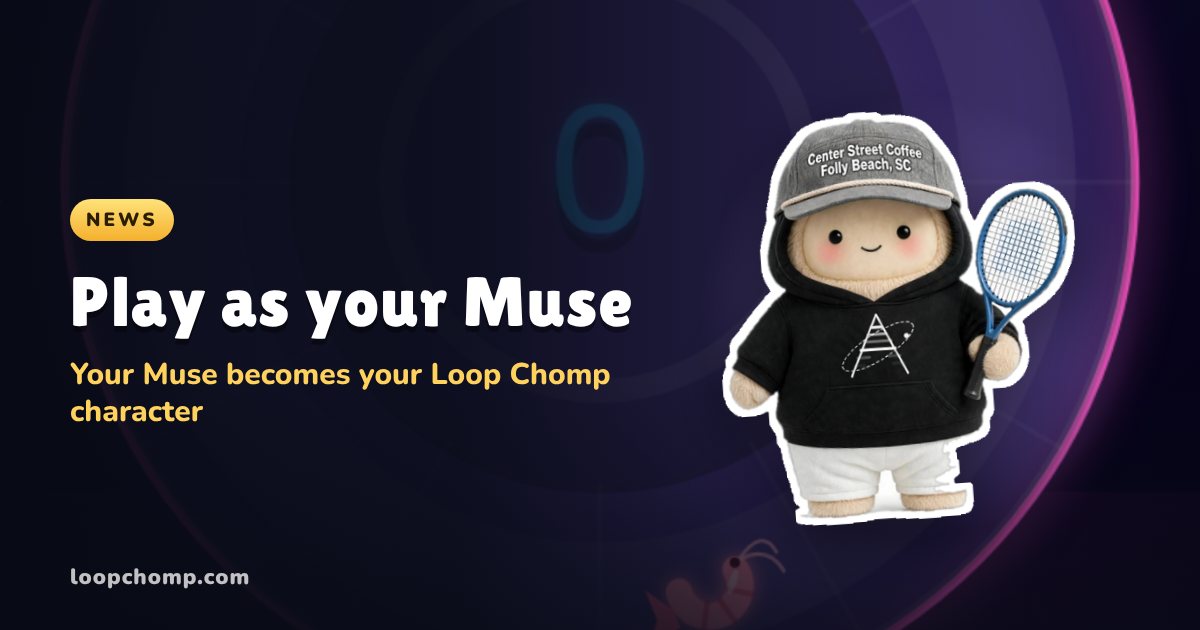
You can now link your Muse to Loop Chomp and play as it. Your Muse sends over its name and its picture, and from then on it is your character: orbiting the ring in your runs, dancing on your home screen, and sitting on the leaderboards under its own name. It is free, it takes one prompt, and you can swap back to any chomper whenever you want.
Link your Muse now. That link opens the Muse card in the game.
Why I built it
A lot of people have spent real time with their Muse. It has a name, a look and a personality you shaped. But it mostly lives in a chat window. I wanted to see what happens when it gets a body somewhere else, and a one tap arcade game seemed like a fun first place to put it.
My own Muse is called HANK. He was the first character ever linked, and he has been dodging spikes on my account all week. Watching him show up on the daily board next to everyone else's chompers is honestly the most fun I have had with this game in a while.
Where your Muse shows up
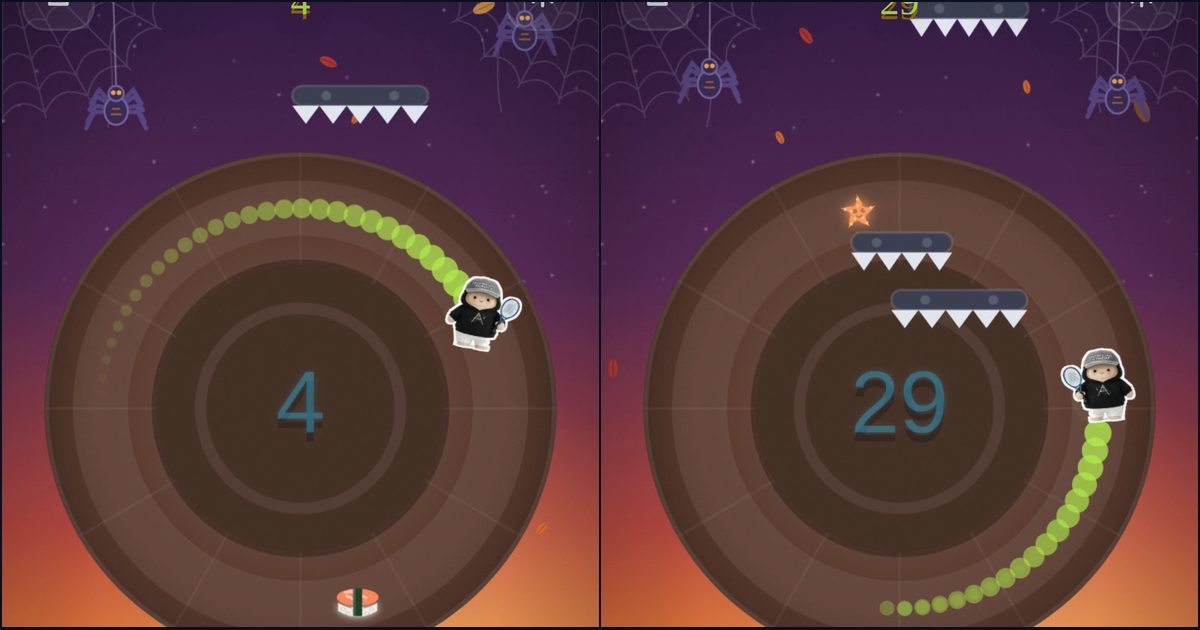
- In every run. Your Muse is the one on the ring, chomping snacks and dodging spikes. It is drawn as a sticker cut out of its own picture.
- On your home screen. It hangs out up top and dances while you pick a mode.
- On the leaderboards. Your row shows your Muse's face and name, and if you make the podium it is up there too.
- On your player card. Tap your name on any board and your Muse is the hero of the card.
- In your character collection. Your Muse gets its own card in Store, Chars, right next to every chomper you own. Tap to wear it, tap another chomper to switch back.
While you are linked, your Muse's name replaces your handle, with a four digit tag after it (like HANK#4821) so two Muses with the same name never get mixed up.
How linking works
Open Settings and tap Play as your Muse, or tap the dark mystery card in Store, Chars. The game gives you a link that works for 15 minutes. On a phone, tap Send to Muse and pick Muse from your share sheet; the message is already written for you. On a computer, tap Copy & open Muse and paste it in.
Your Muse reads the link and sends back its name and a picture of itself. Back in Loop Chomp a little checklist ticks off, then you meet your character and tap Play as. That is the whole thing. The full walkthrough, with what to do if something stalls, is in How to link your Muse.
Change its look any time
If your Muse gets a new look, tap Update look in the Muse panel and send it the new link. It sends a fresh picture and keeps the same name and tag, so your spot on the boards does not change.
What it does not change
Your Muse is a look, not a power-up. It goes on over the chomper you have equipped, so that chomper's perk still counts, and you get the same ring, the same spikes and the same boards as everyone else. Your coins, streak, unlocks and records all stay exactly where they were. Unlink from Settings and you get your old name and chomper back.
Keeping it clean
Every Muse picture gets an automatic check before it shows up in the game, and every player card has a Report this Muse button. A reported picture is hidden while I take a look; the player keeps their name and keeps playing.
Quick answers
Is it free? Yes. Nothing to buy.
Who can link a Muse? Anyone who plays Loop Chomp and has a Muse. Muse is Meta's app, so who can use it is up to Meta.
What does my Muse get from Loop Chomp? Just enough to link: a one time code tied to your account. It sends a name and a picture. It does not get your email, your saves or anything private.
Is Loop Chomp made by Meta? No. Loop Chomp is an independent game, built by one person. Muse is Meta's personal AI, and this feature just lets you bring yours in as your character.
More: How to link your Muse, step by step · Sprint, the daily 10 round race · How to play Loop Chomp